Generate Voronoi colony mesh
We import the lloyd_relaxation_class to generate a Voronoi diagram.
[1]:
import numpy as np
from scipy.spatial import Voronoi, voronoi_plot_2d
import matplotlib.pyplot as plt
import sys
import pylab
sys.path.insert(0, '../DLITE/')
from Lloyd_relaxation_class import Atlas
from DLITE.SaveSurfEvolFile import SaveFile
P = np.random.random((6000,2))
Let’s instantiate this class with 6000 points
[2]:
gg = Atlas(points = P, dimensions = (6000,2))
Now we can generate a Voronoi diagram
[3]:
vor = gg.generate_voronoi()
[4]:
fig = voronoi_plot_2d(vor)
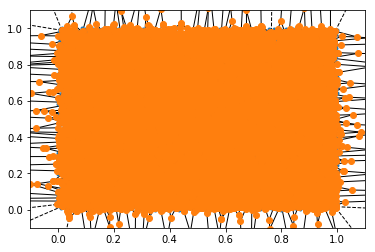
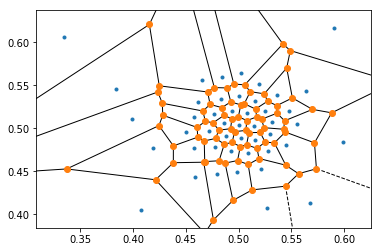
We want to try to make Voronoi cells roughly equal in size. Otherwise a single cell can be significantly larger than another.
[5]:
vor2 = gg.relax_points(times = 180)
[6]:
fig = voronoi_plot_2d(vor2)
[7]:
vor = vor2
Now we can save this file in a format that is readable by Surface Evolver
We do this using the SaveSurfEvolFile class in DLITE
[8]:
savefile = SaveFile('class_test_16.fe', vor)
[9]:
savefile.save()
Now, we’ve saved the file in this directory. You can add a gogo3 function to the end of the .txt file using the command below
[14]:
savefile.add_gogo3(0.1, 30, 50)
This will set the tension of all edges labelled 30-50 to 0.1